
If you run a small shop, a salon, a bakery, a tailoring studio, or any one-person business, you already feel the pressure: customers check your Facebook and Instagram before they decide to buy from you. An empty or silent page makes your business look closed, while a competitor who posts every day looks active and trustworthy. Yet posting daily is a job in itself. Learning how to schedule Facebook and Instagram posts in one sitting is the single highest-leverage habit a solopreneur can build. You create a week of content on Sunday morning, and your pages keep working while you serve customers, pack orders, and run the shop.
This guide is written for one specific reader: the non-technical business owner on a tight budget. You do not have an agency. You do not have a social media manager. You probably do not even have a marketing budget beyond a few hundred rupees a month. That is fine. By the end of this article, you will know the cheapest legitimate way to schedule Facebook and Instagram posts and keep both platforms active with just one hour a week, which free options exist and where they fall short, and how a single affordable tool can quietly do the work of an entire posting team.
Why Going Quiet on Social Media Costs You Real Customers
Let us be honest about what silence does to a small business. When someone hears about your shop and searches for it on Facebook or Instagram, the first thing they judge is recency. A page whose last post is from three months ago sends one message: this business might not exist anymore. Many customers never message or call to check. They simply move on to the competitor whose reels they saw yesterday.
Agencies know this fear and price against it. A basic social media management retainer in most markets starts at hundreds of dollars per month, far beyond what a small shop earns in profit. The result is a painful trap: you know you need to post, you cannot afford to outsource it, and you cannot find the time to do it yourself. Breaking this trap does not require spending more money. It requires a simple system to schedule Facebook and Instagram posts in less time, and that is exactly what this guide gives you.
How to Schedule Facebook and Instagram Posts Without Hiring Anyone
Before you spend a single rupee, it helps to understand what the free options can and cannot do. Meta gives every business owner two free ways to schedule Facebook and Instagram posts: the publishing tools inside the Facebook app itself, and Meta Business Suite on desktop. Both work, both are official, and both let you pick a date and time for a post to go live.
used correctly, they are a fine way to schedule Facebook and Instagram posts when you only publish a few times a week.
The Real Limits of the Free Tools
Here is what Meta’s own help pages will not tell you plainly: the free tools are built for occasional scheduling, not for running a real content rhythm. Every post is scheduled one at a time. You write the caption, attach the media, pick the time, confirm, and repeat. Doing that for a full week of content on two platforms easily eats an entire evening. There is no real bulk posting, no queue you can fill in minutes, and no simple way to push the same campaign across multiple pages without repeating the whole process.
For a solopreneur, time is the one resource you cannot buy back. If scheduling costs you three hours a week, you will not keep doing it, and within a month your pages go quiet again. That is the hidden reason most small businesses fail at social media. It is not a content problem. It is a time problem.
The simplest, most affordable way to bulk-schedule posts, reels and stories — built for small businesses and tight budgets.
$40/year
The Cheapest Way to Keep Both Platforms Active: One Simple Tool
This is where the math changes completely. A tool that lets you load a week of posts, reels, and stories in one sitting and publish them on schedule turns social media from a daily chore into a weekly errand. The key word is one: one dashboard, one login flow, one sitting, both platforms. And the price needs to make sense for a shop owner, not a corporation.
FlowPost is built exactly for this. It is a simple Windows desktop app for Facebook and Instagram automation at a price point the big platforms never touch: $40 per year, which works out to barely over $3 a month, with a $10 monthly plan if you prefer to pay as you go. It handles bulk posting to Facebook pages, publishes reels and stories, and uses straightforward manual account login, so there is no confusing setup and no technical degree required.
Think about what that replaces. One tool at $40 a year quietly covers the posting workload that agencies charge thousands for. You sit down once a week to schedule Facebook and Instagram posts, load your content, set the schedule, and the tool does the repetitive clicking for you. That is the entire promise: one simple tool doing the work of a full posting team, at a price a small shop owner will not even notice.
Your 60-Minute Weekly Posting Workflow
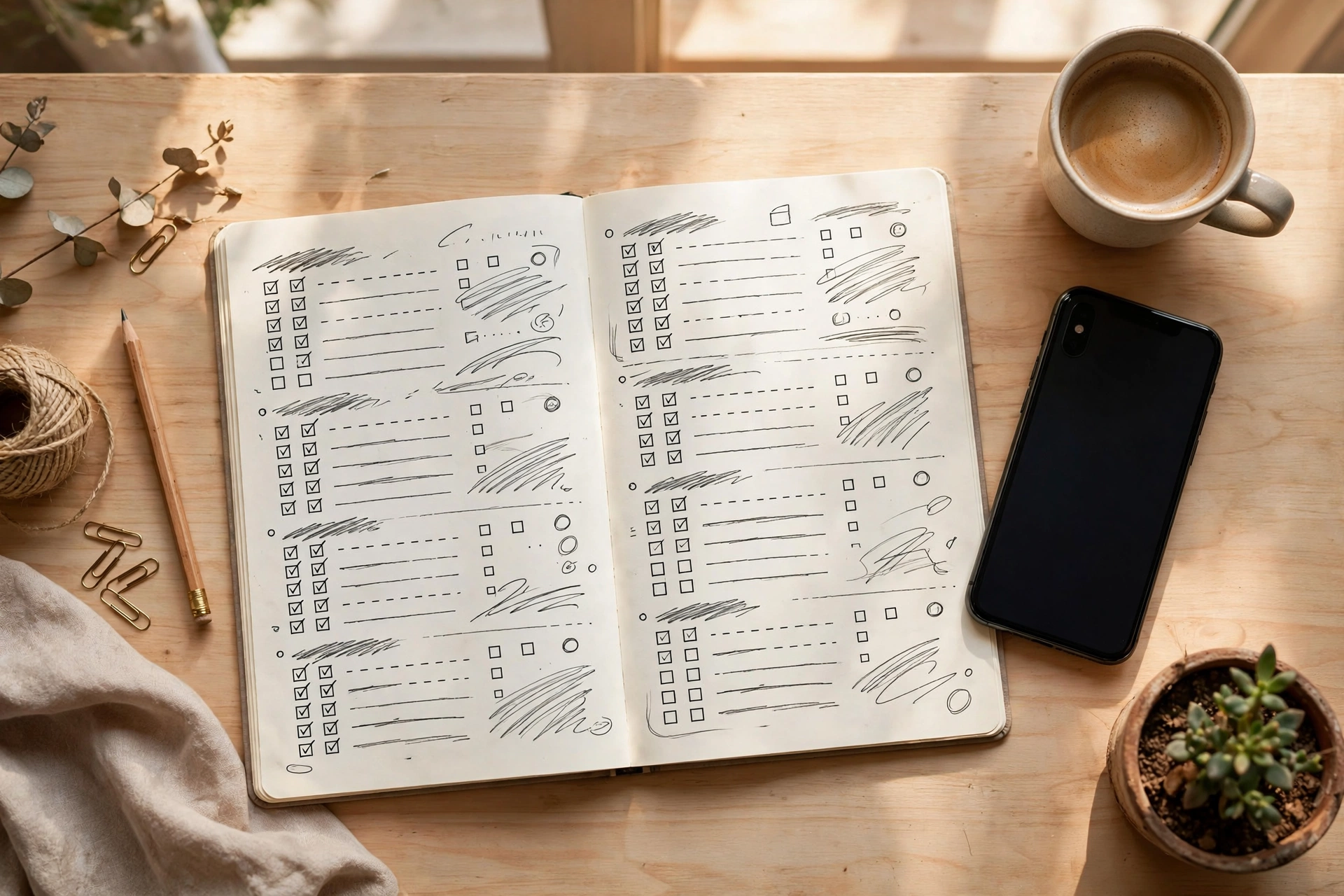
You do not need a content calendar that looks like a corporate marketing plan. You need a repeatable Sunday routine. Here is the exact workflow to schedule Facebook and Instagram posts for the whole week in about an hour:
- Pick seven topics in ten minutes. Write down seven simple ideas: one offer, one product photo, one customer result, one behind-the-scenes moment, one tip, one testimonial or review, and one fun or personal post. That is your week.
- Batch your captions and images in thirty minutes. Shoot the photos on your phone in one session. Write short, plain captions, one or two sentences each, with a price or a clear next step where it fits. Save everything in one folder.
- Load everything into FlowPost. Open FlowPost, attach each post to its day and time, and push the same campaign to both Facebook and Instagram without retyping anything.
- Slot in reels and stories. Reels get the most reach on both platforms right now. Schedule two or three short reels for your highest-traffic days, plus simple daily stories like polls or product close-ups.
- Do one mid-week check. Ten minutes on Wednesday: reply to comments and messages, and pin your best-performing post. Engagement is the part no tool can do for you, but ten minutes is all it takes when the posting itself is handled.
Content Ideas That Actually Work for Small Shops
If you stare at a blank screen every week, use this list. It never runs out:
- Price posts: a clear photo of one product with its price in the caption. Boring to you, irresistible to buyers.
- Before and after: salon haircuts, tailoring, furniture polish, cleaned cars. Transformations stop the scroll.
- Customer proof: a screenshot of a happy WhatsApp message (with permission) or a photo of a delivered order.
- Behind the scenes: you packing an order, fresh stock arriving, the shop opening in the morning.
- One useful tip: how to care for the product, how to use it, when the new stock arrives.
- Offers with deadlines: weekend discount, limited pieces, festival pricing. Deadlines create action.
Notice that none of these require a camera crew. Your phone, your shop, and your own voice are enough. Pick seven ideas, schedule Facebook and Instagram posts around them, and you have a month of content from one afternoon of shooting. The tool handles the distribution; your authenticity handles the selling.
FlowPost vs the Expensive Alternatives: The Honest Math
Let us put the options side by side the way a shop owner thinks about money, in cost per month and time per week. Every option below answers the same question: what is the cheapest reliable way to schedule Facebook and Instagram posts every single week?
- Hiring an agency: hundreds per month, and you still have to brief them and approve everything. Effective, but priced for companies, not shops.
- Premium scheduling platforms: monthly subscriptions that charge per social account or per team seat. The bill grows the moment you add Instagram to Facebook.
- Doing it manually every day: costs nothing in money and everything in time. Thirty minutes a day is over fifteen hours a month, hours you could spend with paying customers.
- FlowPost: a flat $40 a year, bulk posting to pages, reels and stories publishing, and one weekly session of about an hour. The cheapest legitimate option in its class, built for exactly this use case.
There is also a natural upgrade path as you grow. If your business becomes Facebook-heavy, with groups and pages needing deeper automation, AlcashMeta is the bigger sibling built for serious Facebook automation. But if Facebook plus Instagram posting is the job, FlowPost is the lean, budget answer. You can explore all the tools on the Alcashlabs software page, and the Alcashlabs blog keeps publishing practical guides like this one.
Mistakes That Make Scheduled Posts Flop
Once you schedule Facebook and Instagram posts on a regular rhythm, the next battle is quality, and a few habits can still waste the effort. Watch for these:
- Posting the exact same caption on both platforms. Instagram rewards hashtags and a casual tone; Facebook rewards a conversational hook. Tweak one line when you load the post.
- Scheduling and disappearing. A tool publishes for you, but customers expect a human in the comments. That ten-minute mid-week check is non-negotiable.
- Only posting offers. If every post is a sale, people mute you. Follow the 80/20 rule: eighty percent useful or entertaining, twenty percent selling.
- Posting at random times. Check your page insights once and schedule around when your followers are actually online, usually evenings for most local shops.
If you want a deeper visual walkthrough of how small businesses use these tools day to day, the AlcashZone YouTube channel covers practical software demos and workflows.
Build the habit to schedule Facebook and Instagram posts once a week, avoid the four mistakes above, and your pages will stay active even during your busiest season. That is the whole game for a small business: look alive, stay consistent, and let customers find a page that earns their trust.
Ready to put your posting on autopilot?
Join the businesses already saving hours every week with FlowPost.
Or learn more first.
Frequently Asked Questions
Can I schedule Facebook and Instagram posts for free?
Yes, Meta Business Suite and the Facebook app both let you schedule posts for free. The limitation is that everything is done one post at a time, with no bulk queue. If you want to schedule Facebook and Instagram posts for a full week in one quick session, a dedicated tool like FlowPost removes the repetitive manual work.
Is it safe to use a scheduling tool with my accounts?
Reputable tools use standard, manual login flows rather than asking for anything unusual, and FlowPost follows that approach. As a rule, only ever use tools from known vendors, keep your passwords private, and enable two-factor authentication on your Facebook and Instagram accounts. If you are unsure about any official policy, Facebook’s Business Help Center is the reference point.
How far ahead can I schedule my posts?
Meta’s free tools typically allow scheduling several weeks in advance, and dedicated schedulers follow similar limits. In practice, when you schedule Facebook and Instagram posts one to two weeks ahead, you hit the sweet spot: far enough that you are never scrambling, close enough that your offers and stock updates stay accurate.
What kind of content works best for a small shop?
Simple, honest content outperforms polished ads for local businesses. Product photos with clear prices, before-and-after transformations, customer messages, and behind-the-scenes clips consistently get the most reactions and shares. Shoot everything on your phone; authenticity beats production quality at this scale.
Do I need technical skills to use FlowPost?
No. FlowPost is designed so a non-technical shop owner can use it. It is a Windows desktop app with a straightforward interface: add your accounts with a manual login, load your posts, set the schedule, and let it publish. If you can use Facebook itself, you can use FlowPost. Once your accounts are connected, you can schedule Facebook and Instagram posts for the whole week in minutes.
What does FlowPost cost, and can I try it monthly?
FlowPost costs $40 per year, which is a little over $3 a month, and there is also a $10 monthly plan if you prefer not to commit for a year. Both plans cover the same Facebook and Instagram posting features, including bulk page posting, reels, and stories.
— Team Alcashlabs