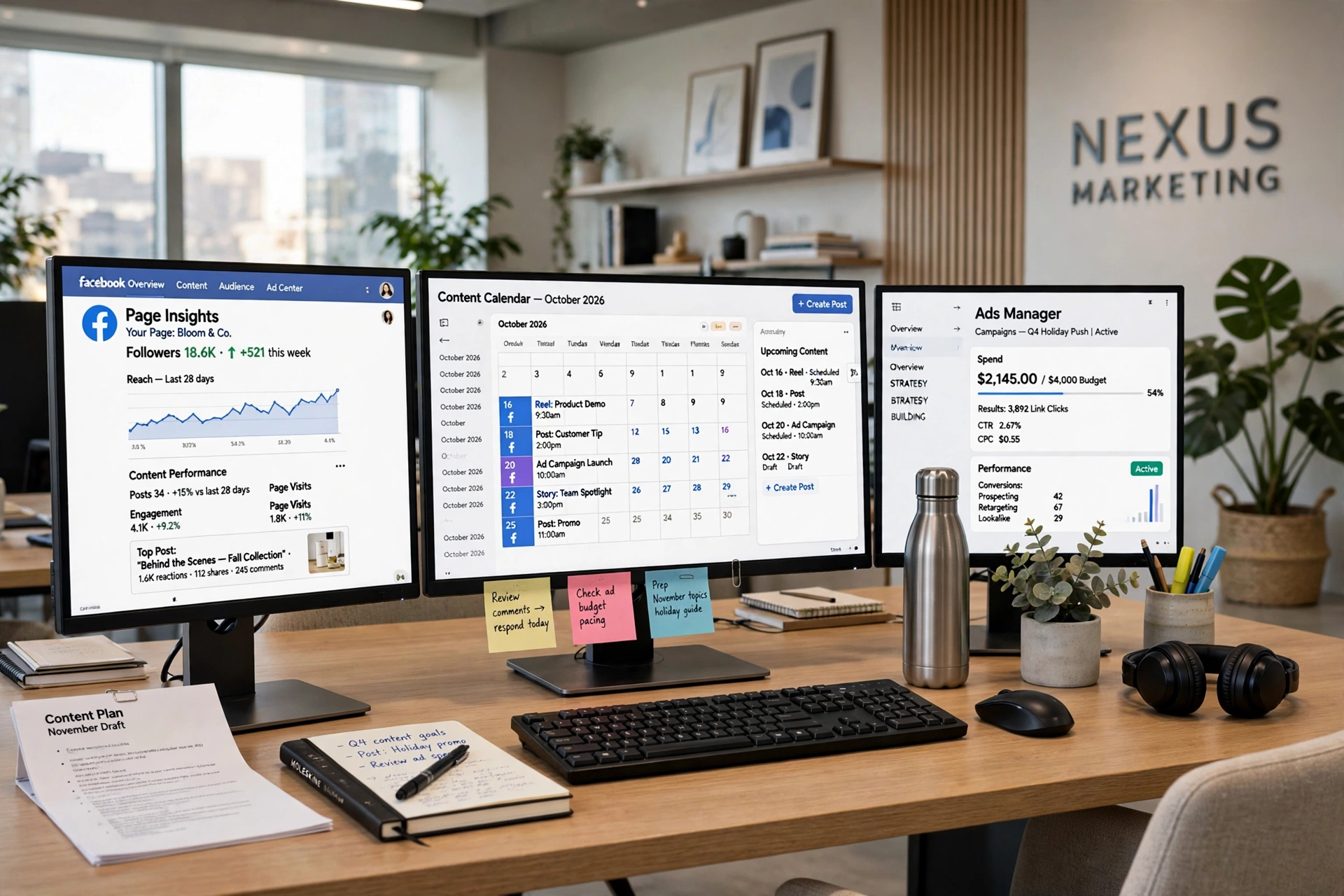
Agencies don’t scale by hiring. They scale by removing logins.
Every new client hands you the same starter pack: a Facebook Page, a login you would rather not share, a round of two-factor codes, and the expectation that you will post five times a week like it is nothing. One client is easy. Five is a juggling act. Twenty is a full-time job that pays like a side hustle — unless you change the system underneath it. The agencies that survive this stage are not the ones with the biggest teams. They are the ones that learned to manage multiple facebook pages without multiplying their hours.
This is the playbook for how small agencies manage multiple facebook pages agency-wide: one dashboard instead of twenty logins, one weekly scheduling session instead of daily firefighting, and a simple system that keeps every client’s voice distinct. No new hires required.
The Agency Scaling Problem: Clients Grow, Hours Don’t
Do the posting math honestly. Twenty client pages, five posts a week each, is one hundred posts a week. Assume ten minutes per post — writing, finding the image, switching accounts, pasting, checking it rendered right — and that is over sixteen hours of pure posting labor before you have written a single strategy doc or answered a single client message.
And ten minutes per post is generous, because the real cost is everything around the post. You log out of one client’s Business Manager and into another. The two-factor code goes to a phone number you don’t control, so you message the client and wait. A Page role expired and now you can’t publish until someone with admin access approves you again. Each of these is a small delay, and they stack across twenty clients into hours.
Then there is the context-switching tax, the part nobody puts in the proposal. You are writing a playful caption for a bakery, then a sober announcement for a law firm, then a hype post for a gym — back to back. Every switch costs you focus. By the third client your captions start sounding the same, which is exactly when clients start asking why their page feels generic.
Most freelancers respond to this by capping their client list. They decide five clients is the max — not because five is the market limit, but because five is the login limit. Their business stops growing at the exact point where the workflow breaks. That is the agency scaling problem in one sentence: clients grow, hours don’t, and the bottleneck is access management, not talent.
The fix is not discipline. You cannot out-focus twenty logins. The fix is structural: remove the logins, batch the work, and separate the creative decisions from the publishing mechanics. Here is what that looks like in practice.
Manage Multiple Facebook Pages Agency Playbook: One Dashboard vs. 20 Logins
The single biggest upgrade an agency can make is also the least glamorous: stop managing pages through twenty separate sessions. Connect every client Page to one dashboard, once, and switch between clients the way you switch tabs — not the way you switch identities.
Start with access done right. You do not need anyone’s password. Facebook’s own system for this is Page roles and Business Manager access: the client grants your business access to their Page, you accept, and you publish under your own login. Facebook documents the whole setup in their business help center (facebook.com/business/help), and it is worth reading once so you can walk every new client through it in ten minutes.
Once access is centralized, your daily workflow changes completely. Here is the multi-page routine that replaces the login shuffle:
- One morning check, all pages. Open the dashboard, scan every client’s scheduled queue and recent published posts in a single view. You are looking for failures, client comments that need replies, and anything scheduled wrong — twenty minutes, done.
- Batch by task, not by client. Write all captions in one block, source all images in another, schedule everything in a third. Task-batching beats client-batching because your brain stays in one mode.
- Separate drafting from publishing. Drafts live in one place; the schedule is the commitment. Nothing goes live that hasn’t sat in the queue for at least a day, which prevents most typo-and-wrong-image emergencies.
- One weekly review per client, on the calendar. Fifteen minutes each, same day every week. Check performance, note what to repeat, flag content gaps to the client before they notice them.
The point of the dashboard is not the dashboard. It is what disappears: the password spreadsheet, the two-factor relay race with clients, the “which account am I logged into right now” panic. Agencies that manage multiple facebook pages agency-wide consistently describe the same feeling — the work gets boring, in the best way. Boring means systematized. Systematized means scalable.
If you are still doing this inside Meta’s own tools, that is a fine starting point — facebook.com/business covers the native scheduling basics. But native tools are built for one business managing its own presence, not for an agency running twenty distinct client voices from one chair. That gap is exactly where dedicated scheduling software earns its keep.
Bulk Scheduling Across All Client Pages in One Sitting
Here is the weekly rhythm that lets a small team manage multiple facebook pages agency-wide: one sitting, every week, where the entire next week of content for every client gets scheduled. Not drafted — scheduled, queued, done. The rest of the week is monitoring, engaging, and selling.
Pick a fixed day. Monday morning works for most agencies because clients expect their week to start with content live. Block three to four hours. Phone on silent. The rule of the sitting is simple: no client messages, no email, no quick questions. This is the factory shift, and interruptions are the enemy.
Work in passes. First pass: write every caption for every client, back to back. This goes fast when you are not stopping to upload images or pick posting times between captions. Second pass: attach media to every post. Third pass: set the schedule — days, times, and which Page each post belongs to — and queue everything. Three passes, one sitting, a week of content for twenty clients.
The reason this works is the same reason assembly lines work: every switch between different kinds of thinking has a cost, and bulk scheduling pays that cost once instead of a hundred times. Writing twenty captions in a row puts you in a writing groove by caption six. Scheduling them all at the end means you make posting-time decisions once, with the full week in view, instead of re-deciding when each post should go out a hundred separate times.
This is also where a bulk scheduling tool stops being a nice-to-have. When you can line up posts, reels, and stories for every client Page and push them into the queue in one session, the sitting shrinks from a full day to a focused morning. AlcashMeta is built for exactly this workflow — bulk-scheduling posts, reels, and stories across Facebook Pages from a Windows desktop app, at $90 a year. That turns the weekly sitting from an ordeal into a habit.
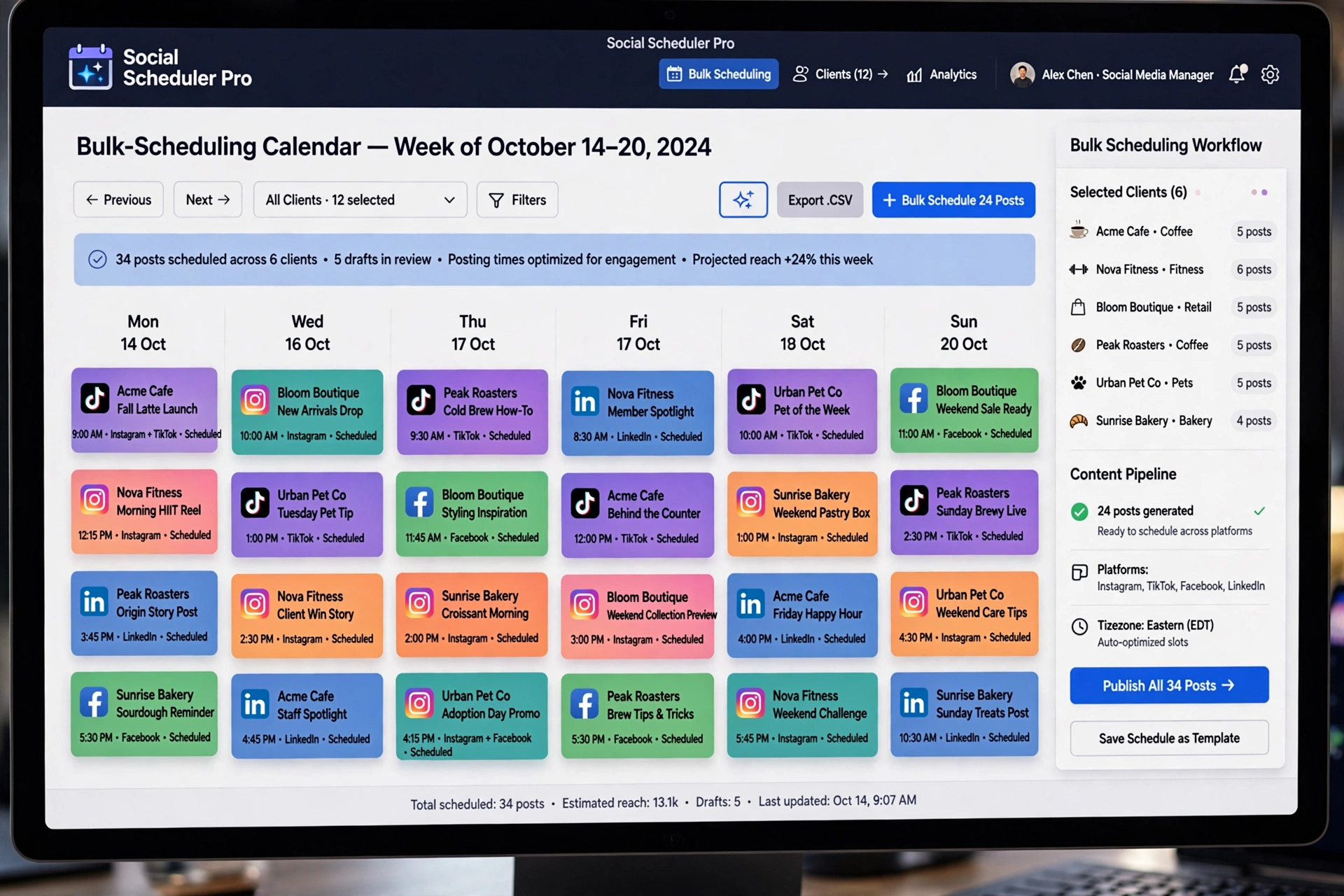

Schedule posts, reels and stories across unlimited Facebook Pages from one dashboard — the work of a full social media team, done by one tool.
$90/year
Keeping Each Client’s Voice Distinct (Templates That Don’t Look Templated)
The fear every agency has about systematizing content is legitimate: systems produce sameness, and sameness is what clients fire you for. The answer is not to avoid templates. It is to template the structure and never the voice.
Give every client a one-page voice document. Not a brand bible — one page. Three adjectives that describe how they sound, three they never sound like, two example posts that nailed it, and one taboo: the phrase, the emoji, or the topic they never touch. Write it with the client in the onboarding call. Then, before any caption goes into the queue, it gets read against that page. Thirty seconds per post, and it catches the bakery caption that accidentally sounds like the law firm.
Build content pillars per client, not per week. A pillar is a repeating post type: the bakery gets a behind-the-counter moment every Tuesday, the gym gets a member win every Thursday, the law firm gets one busted legal myth every Wednesday. Pillars are templates for what to post about, which removes the blank-page problem, while the actual writing stays fresh because the subject changes every week. Clients love pillars because their page starts to feel like it has a personality — which is precisely the thing that goes missing when you are writing everything from scratch under time pressure.
Finally, keep a human in the loop where it matters: the final read. Bulk scheduling handles the mechanics, but the last look before anything queues should be a read-aloud test. If you cannot tell which client a caption belongs to without looking at the Page name, rewrite it. That single habit does more for client retention than any analytics report.
None of this requires fancy software — a shared doc per client works. But it pairs naturally with the scheduling system above: the voice doc tells you what to write, the pillars tell you what to write about, and the weekly sitting is where it all becomes scheduled posts. System on the structure, soul in the writing.
What This Does to Your Cost Per Client
Let’s talk money, because this is ultimately a margins conversation. Your cost per client is mostly your time, and your time per client is mostly publishing mechanics — the logging in, the switching, the manual posting, the fixing.
As an illustrative example, say you charge $800 per month per client for social media management — not a market rate. If each client costs you eight hours a month in publishing busywork, those hours produce zero strategic value. They are pure overhead, and they scale linearly with every client you sign.
Now cut the publishing busywork to two hours a month per client with one dashboard and one weekly bulk-scheduling sitting. Same $800 retainer, six hours freed per client. With twenty clients, that is 120 hours a month back — the equivalent of hiring a full-time employee without the salary, the onboarding, or the management overhead. Or, more realistically for a small agency: it is the difference between capping at eight clients and comfortably running twenty.
There is a second-order effect too. When fulfillment stops being painful, you stop dreading new clients. Agencies that hate their delivery process unconsciously stop selling — proposals go out late, follow-ups slip, because every yes means more login chaos. Fix the delivery, and the sales bottleneck often fixes itself. That is the real return on systematizing: not the hours saved, but the growth unblocked.
And the math on the tooling is almost silly. At $90 a year, scheduling software costs less per month than a single hour of your time is worth. If it saves you even one hour a month across all clients, it has paid for itself many times over. The expensive option was never the software. The expensive option was trying to manage multiple facebook pages agency-wide with twenty separate logins.

For more agency playbooks in this vein, browse the Alcashlabs blog — and if you want to see these workflows demonstrated, we break them down regularly on @alcashzone.
Ready to put your posting on autopilot?
Join the businesses already saving hours every week with AlcashMeta.
Or learn more first.
FAQ
How many Facebook Pages can one person realistically manage?
There is no platform limit that matters for most agencies — the limit is your workflow. With separate logins and manual posting, most people hit the wall at a handful of pages. With one dashboard, batched weekly scheduling, and templated pillars per client, a single operator can comfortably run twenty or more pages. The ability to manage multiple facebook pages agency-wide is a workflow question, not a headcount question — the constraint moves from access management to content quality, which is exactly where you want it.
Do I need each client’s Facebook login to manage their Page?
No, and you should never ask for passwords. The correct setup is for the client to grant your business access to their Page through Page roles or Business Manager — you then publish using your own login, and the client can revoke access anytime. Facebook walks through the setup at facebook.com/business/help. Build this into your onboarding checklist and it takes ten minutes per client, once.
What’s the difference between Meta Business Suite and a dedicated scheduling tool?
Meta’s native tools are built for a business managing its own pages. They work, but they assume one brand voice and one team. An agency running twenty client pages needs bulk operations across pages — queueing a week’s content for every client in one sitting, keeping each client’s queue separate, and moving fast. Dedicated tools like AlcashMeta (alcashlabs.com/softwares/alcashmeta/) are designed around that multi-client workflow rather than the single-brand one.
How do I keep client content from getting mixed up?
Three habits: separate queues per client (never one shared draft pile), a one-page voice document per client that every caption is checked against, and the read-aloud test before anything is scheduled — if you can’t tell which client a post belongs to without seeing the Page name, rewrite it. Most mix-ups happen when drafting and scheduling happen in the same chaotic session, which is another reason to run the weekly sitting in distinct passes.
Is $90 a year for scheduling software worth it for a small agency?
Do the illustrative math: if the software saves you even two hours a month across your client base, and your time is worth $50 an hour, that’s $1,200 a year of value for $90. But the real payoff isn’t the hourly savings — it’s capacity. Every hour of publishing busywork you eliminate is an hour you can spend on strategy, sales, or simply taking on the next client without dread. Agencies don’t buy scheduling tools to save money; they buy them to remove the ceiling on client count.
— Team Alcashlabs