
If you run a small business, Facebook probably eats more of your week than you would like to admit. You open the app to post one quick update, get pulled into comments, messages, and notifications, and suddenly forty minutes are gone — for a single post. Repeat that five or six times a week and you are quietly losing hours every month to manual posting that never shows up on your balance sheet.
Learning how to automate Facebook posts is how smart owners take those hours back. Automation does not mean robotic, soulless content blasted into the void. It means planning your content once, scheduling it in bulk, and letting software publish each post at the right time while you get back to actually running your business. In this guide, you will learn how to automate Facebook posts with five proven methods for small businesses in 2026 — plus the mistakes that sink most attempts and the workflow owners use to stay consistent without hiring a team.
Why Small Businesses Must Learn How to Automate Facebook Posts
Here is the pattern almost every small business falls into. Week one: five posts, full of energy. Week two: two posts. Weeks three and four: complete silence. Then a guilty burst of posting, then silence again. This stop-start cycle is the number one killer of small business Facebook pages — not the competition, not the algorithm, just inconsistency.
An inconsistent page sends a terrible signal to anyone who discovers you. A potential customer clicks through, sees your last post is two months old, and quietly concludes you might be out of business. They just leave — and you never know the sale walked away.
Manual posting is what creates this cycle. When every post means stopping real work to write something clever on the spot and hunt for an image, posting becomes a chore you avoid. You post when you remember, at whatever random hour you happen to be free — often when your audience is asleep. Then you wonder why engagement is flat.
The traditional fix is hiring help: a freelancer, an agency retainer, or a part-time social media manager. For a small business, that is a serious recurring expense — and you still have to brief them and review their work. There is a better equation: one purpose-built tool that handles the repetitive scheduling work of an entire social media team, for less than a single day of agency fees per year. That is the real promise of learning how to automate Facebook posts — leverage, not just convenience.
One honest note before we go further: automation solves the consistency and time problems. It does not replace good content. A scheduling tool will publish a boring post exactly on time, every single time. This guide covers both halves — what to post and how to automate the posting — so you get the full benefit.

Schedule posts, reels and stories across unlimited Facebook Pages from one dashboard — the work of a full social media team, done by one tool.
$90/year
How to Automate Facebook Posts: 5 Proven Methods
These five methods are the complete answer to how to automate Facebook posts as a small business owner in 2026. They build on each other: plan, create, schedule, expand to video, and review. Skip the first two steps and your automation will publish mediocre content on time — which helps nobody.
1. Build a Simple Weekly Content Calendar
Every automation system needs a brain, and the content calendar is it. Without one, bulk scheduling just helps you publish random content faster. With one, every post has a job to do.
Assign one theme to each posting day and repeat the pattern weekly. For example: Monday, behind-the-scenes from your shop; Wednesday, a practical tip related to your product; Friday, a customer result or limited offer. Three to five posts per week is a sustainable baseline — enough to stay visible without burning out.
Keep the calendar in a plain document or spreadsheet. This simple planning habit is the foundation of how to automate Facebook posts successfully — software handles execution, but the calendar decides what is worth executing.
2. Batch-Create Content in Focused Sprints
Batching means doing one type of work in a single focused sitting instead of scattering it across the week. Write all of next week’s captions in one thirty-minute session; gather or shoot all images and short videos in another. Design once, write once, then stop thinking about content until next week.
Context-switching is the hidden tax on manual posting: every time you stop serving a customer to “quickly post something,” you pay a focus penalty far bigger than the post itself. Batching confines content work to one block and frees the rest of the week.
Shoot photos in natural daylight with your phone — they outperform stiff stock images because they look real. Keep captions short and conversational, one clear point per post. Save your best formats as reusable templates so next month’s batching session is even faster.

3. Bulk-Schedule Everything From One Dashboard
This is the operational core of the whole system. Bulk scheduling is the single biggest lever in how to automate Facebook posts at any real scale: load a week or a month of finished content into a scheduling tool, assign each item its date and time, and walk away while the software publishes for you.
If you are researching how to automate Facebook posts, you will meet two options. The free native route is Meta Business Suite — Meta documents native scheduling in its Business Help Center. It costs nothing and works fine for a single page posting a few times a week. Its limits show up fast, though: scheduling is largely one post at a time, bulk workflows are clunky, and managing several pages from a browser tab gets messy.
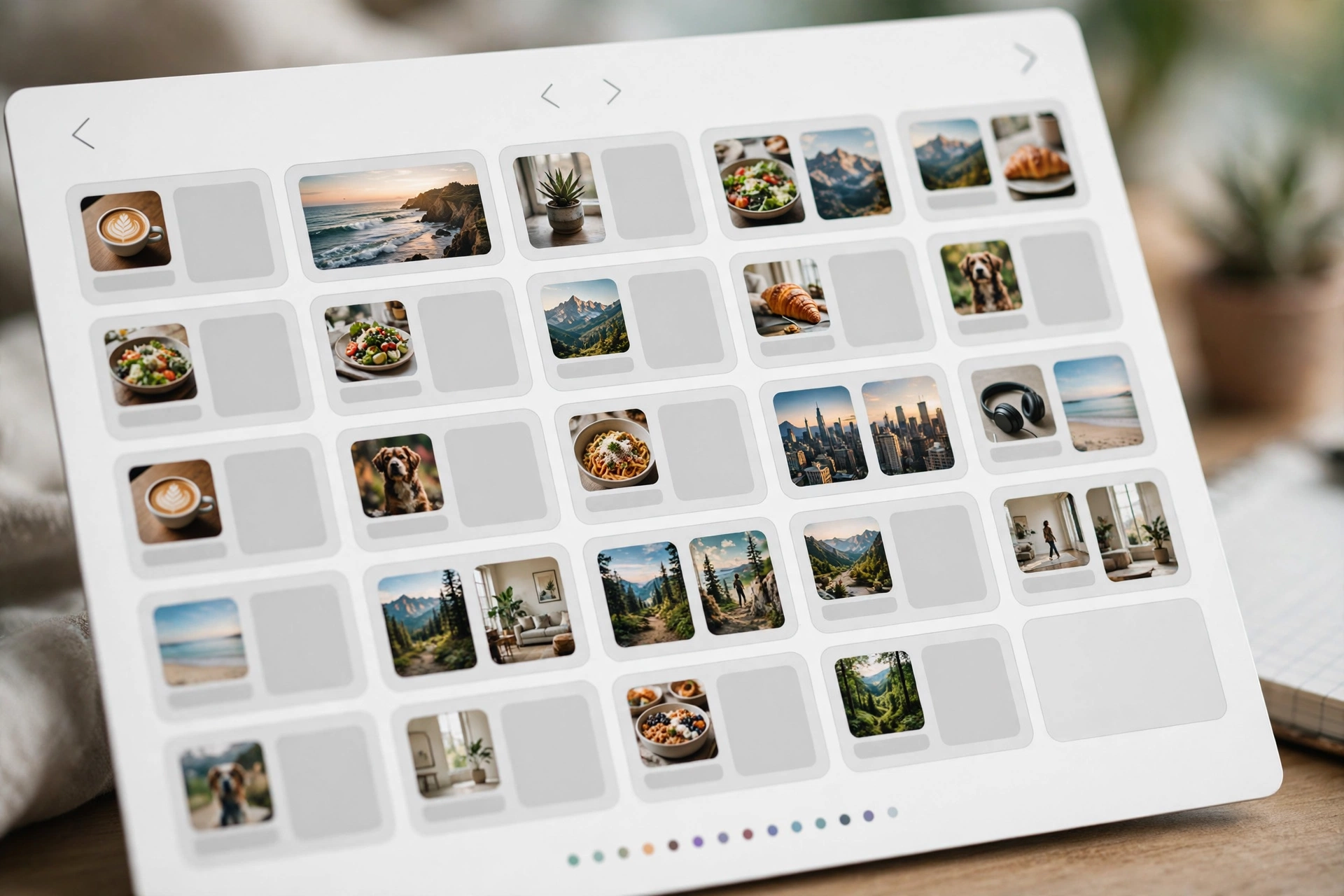
The second option is dedicated scheduling software built for volume and multi-page management. A tool like AlcashMeta is designed exactly for this job: bulk-schedule posts, reels, and stories across multiple Facebook Pages from one Windows dashboard, set your posting time slots once, and let the queue run. For owners juggling several pages, the difference between one-by-one scheduling and true bulk scheduling is the difference between automation that saves time and automation that creates a new chore.
The workflow: connect your pages once, create a queue with your preferred time slots, import the content you batched in step two, place each item on the calendar view, review the full month at a glance, and confirm. Thirty days of consistent posting, done in one sitting.
4. Automate Reels and Stories, Not Just Standard Posts
Any serious plan for how to automate Facebook posts in 2026 has to include reels and stories. Short video earns a disproportionate share of reach right now, and stories keep your page visibly active at the top of the app — exactly where casual followers notice you.
The efficient move is repurposing, not producing more. One thirty-second product video becomes a reel for the feed and, trimmed, two or three stories. Film once, publish three times. Tools that handle reels and stories alongside standard posts multiply the return on every piece of content you create.
A realistic cadence: two to three reels per week plus a story most days. Stories can be simple — a photo, a poll, a behind-the-scenes clip. They vanish in twenty-four hours, so perfectionism is wasted on them; consistency is everything.
5. Review Monthly: Recycle Winners, Drop Losers
Most guides on how to automate Facebook posts stop at scheduling — which is why most automation efforts slowly decay. Scheduling without review is autopilot into a wall. Once a month, spend twenty minutes on what actually happened.
Open Page insights and sort the last thirty days by engagement. Your top three posts are gold — recycle them: reposting a winner after thirty to sixty days with a fresh caption is smart, because most followers never saw it the first time. Note what flopped (topic, format, timing) and stop repeating it.
This feedback loop turns automation from a time-saver into a growth system: every month your content gets sharper and the same thirty-minute session produces better results.
Mistakes That Quietly Ruin Facebook Automation
Automation amplifies whatever you feed it. Avoid these six mistakes:
- Scheduling and disappearing. Automation handles publishing, not relationships. Budget fifteen minutes a day for replies — the human part cannot be automated.
- Posting identical content to every page. Tweak the caption or angle per page. Copy-paste-everywhere looks robotic and trains each audience to ignore you.
- Flooding the feed. Three thoughtful posts a week beat three forgettable posts a day. If engagement drops as volume rises, you have found your ceiling.
- Ignoring timing. Check when your followers are actually online in Page insights, then set your recurring slots around those windows.
- Setting and forgetting for months. Promotions expire, prices change, seasonal references age. Review your queue weekly so nothing embarrassing publishes on autopilot.
- Using automation to spam links. A feed of nothing but outbound links teaches followers your page offers no native value. Keep the balance toward useful content first, promotional second.
Native Scheduling vs. Dedicated Software: An Honest Comparison
Deciding how to automate Facebook posts usually comes down to an honest comparison between the free built-in option and purpose-built software. Here is the straight version.
Meta Business Suite (free): built-in scheduling at no cost — the right starting point for a single page posting a few times a week. Trade-offs: manual one-by-one scheduling, limited bulk workflows, no true multi-page queue management, all inside a browser tab.
Dedicated software like AlcashMeta: built for owners managing multiple pages or posting daily — bulk-schedule posts, reels, and stories from one desktop dashboard in focused sessions instead of daily app visits. It is paid (AlcashMeta runs $90 per year), but compare that against one month of freelancer or agency fees and the math is not close.
In between sits FlowPost, the lighter, lower-priced option for Facebook and Instagram automation if your needs are simpler. Rule of thumb: one page and a few posts a week — start free and native. Multiple pages or daily posting — dedicated software pays for itself in the first month.
Your First 30-Day Automation Checklist
Follow this checklist and the question of how to automate Facebook posts turns into a finished system instead of another open tab:
- List every Facebook Page you manage and decide how many posts per week each one needs.
- Write your weekly content themes — one theme per posting day, repeated weekly.
- Batch-create twelve posts: captions written, images or videos ready, in one or two focused sessions.
- Connect your pages in your scheduling tool of choice and set your recurring time slots.
- Bulk-schedule the next thirty days, then review the calendar view for gaps or clashes.
- Put a fifteen-minute weekly review on your calendar: reply to comments, check the queue, note what is working.
Prefer watching over reading? We walk through how to automate Facebook posts step by step on video on the AlcashZone YouTube channel — same practical approach, shown on screen.
Ready to put your posting on autopilot?
Join the businesses already saving hours every week with AlcashMeta.
Or learn more first.
Frequently Asked Questions
Will Facebook penalize my page for scheduling posts instead of publishing manually?
No. Scheduling is a normal, supported feature — Meta provides it inside Business Suite, so using it is not gaming the system. What affects reach is content quality and engagement, not whether a post was scheduled or published by hand.
What is the simplest way to learn how to automate Facebook posts?
Start with the free native scheduler for a week to build the planning habit, then move to bulk scheduling once you feel the limits. The practical core of how to automate Facebook posts without overwhelm: one weekly theme calendar, one batching session, one scheduling session. Master that loop before adding pages or formats.
How many times per week should a small business post on Facebook?
Three to five quality posts per week is the sustainable sweet spot. Consistency beats volume — three good posts every week for a year beats daily posting for a month followed by silence. Add reels and stories once the base rhythm is solid.
Can I automate Facebook reels and stories too, or just standard posts?
Both. Modern tools handle reels and stories alongside standard posts. The efficient approach is repurposing: one short video becomes a reel plus two or three stories, scheduled in the same session as your regular posts.
How much does Facebook automation software cost compared to hiring help?
Dedicated tools cost a small annual or monthly fee — AlcashMeta is $90 per year — while freelancers and agencies charge monthly retainers many times that. Learning how to automate Facebook posts with software costs less than a single day of agency work per year, which is why it is usually the first “hire” a small business should make.
Do I still need to be active on Facebook if my posts are automated?
Yes — automation handles publishing, not presence. Replying to comments and answering messages is the human layer that turns scheduled content into customer relationships. Fifteen focused minutes a day is enough for most small businesses.
You now know how to automate Facebook posts the smart way: plan with a simple calendar, create in batches, schedule in bulk, expand into reels and stories, and review monthly. The businesses winning on Facebook in 2026 are not posting the most — they are posting the most consistently, with systems that run while they run their business.
— Team Alcashlabs